API Documentation
Imago API Reference
Generate pixel-perfect OG images and social cards programmatically. One API call, <300ms response, works with any stack.
🚀 Quick Start
Get your first OG image in under 2 minutes.
Step 1 — Get your API key
Sign up or log in to get your free API key (no credit card needed). You'll find it in your dashboard.
Step 2 — Make your first request
curl -X POST https://imagoapi.com/api/og/generate \
  -H "Content-Type: application/json" \
  -d '{
    "api_key": "imago_your_key_here",
    "title": "My First OG Image",
    "description": "Generated with Imago API in seconds"
  }'
Step 3 — Use the image URL
The response includes a permanent image URL you can drop straight into your HTML <meta> tags:
<meta property="og:image" content="https://imagoapi.com/api/images/og_abc123.png" />
<meta name="twitter:image" content="https://imagoapi.com/api/images/og_abc123.png" />
🔑 Authentication
All API requests require an API key. Include it in the request body as api_key.
Pass your API key in the JSON body:
{
  "api_key": "imago_your_key_here",
  "title": "..."
}
Getting your key
⚡ Generate Endpoint
Generate an OG image and return a permanent URL.
Request
{
  "api_key":      "imago_...",           // required
  "title":        "My Page Title",      // required
  "description":  "A short description", // optional
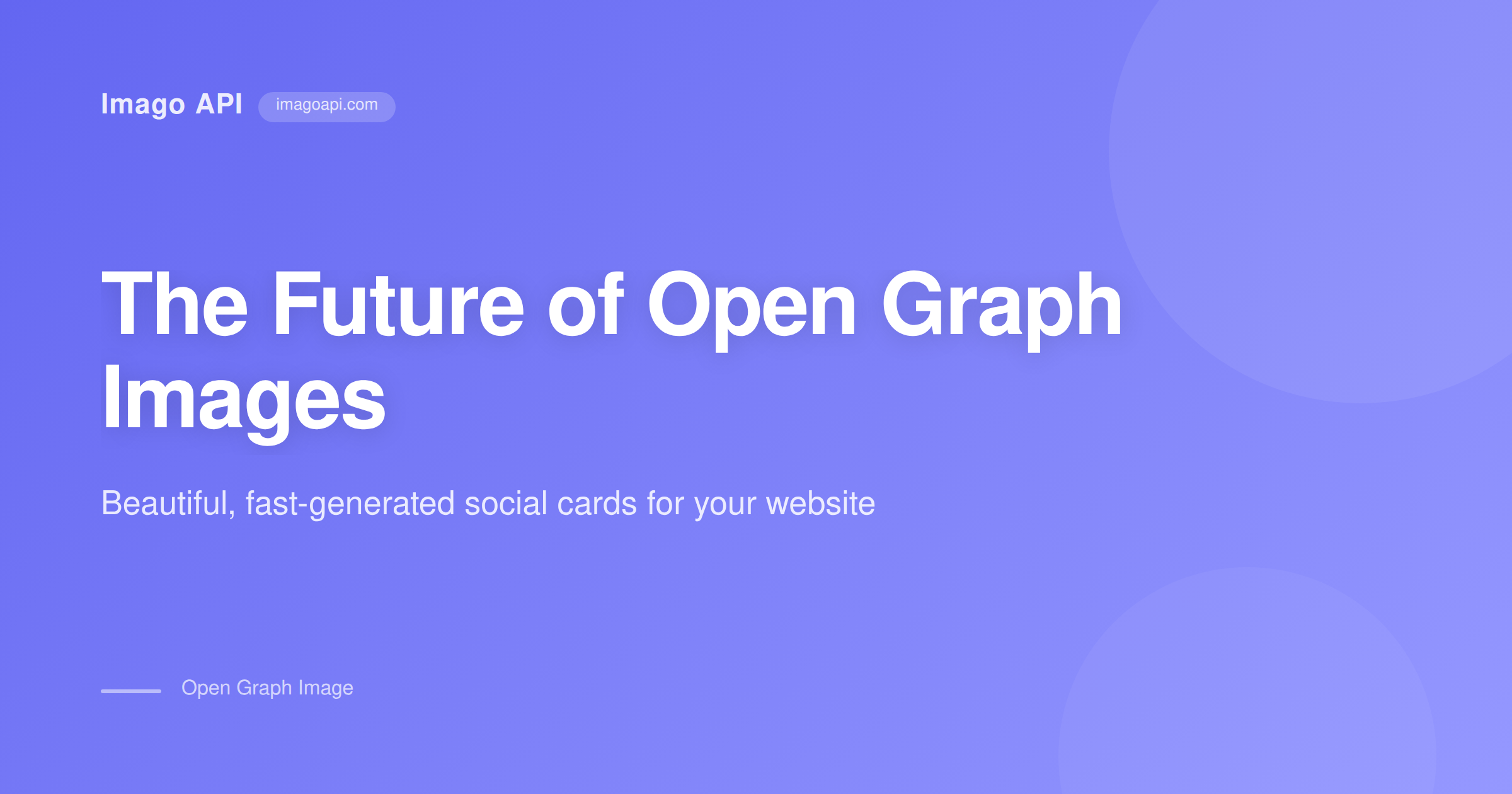
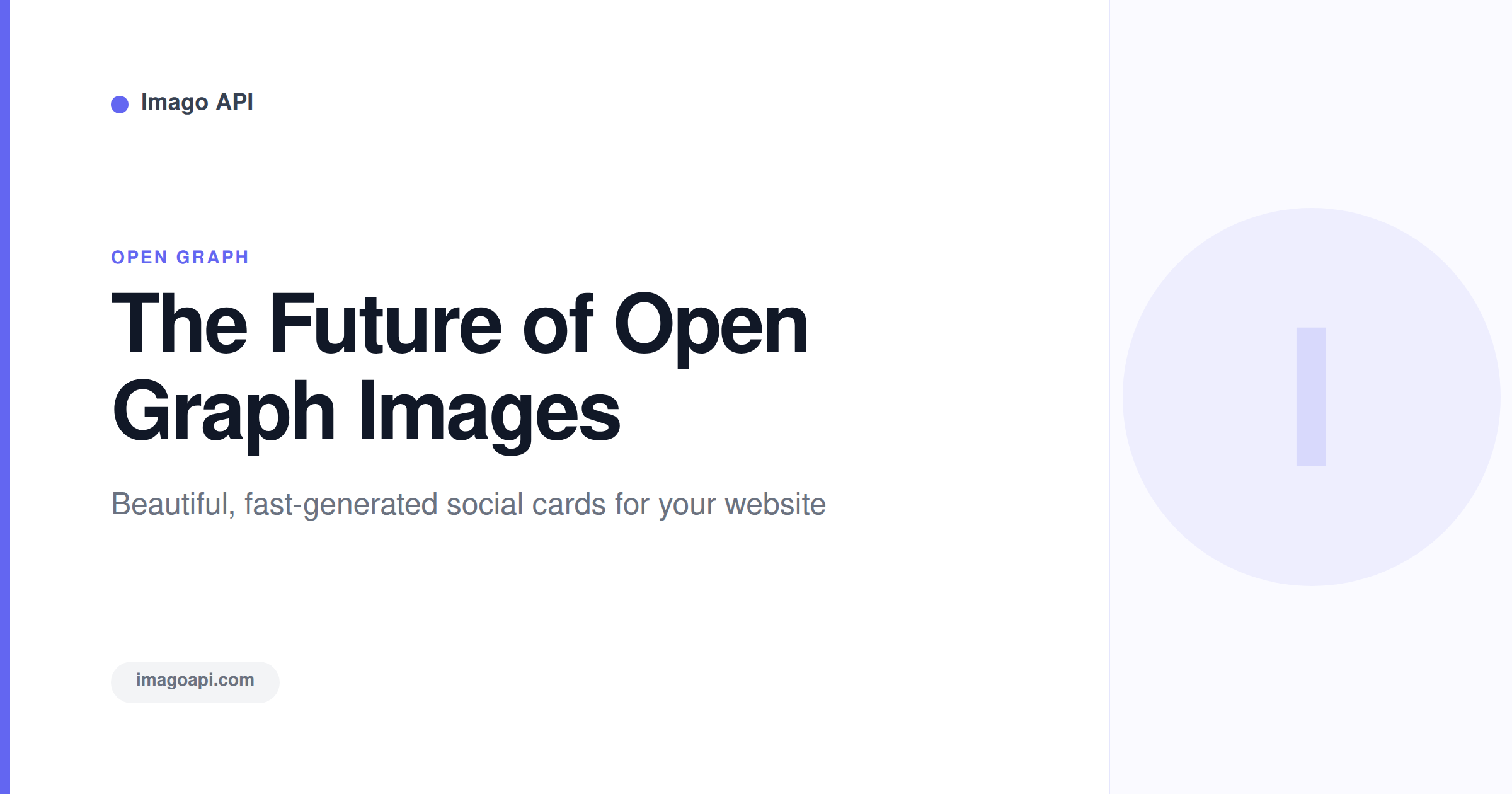
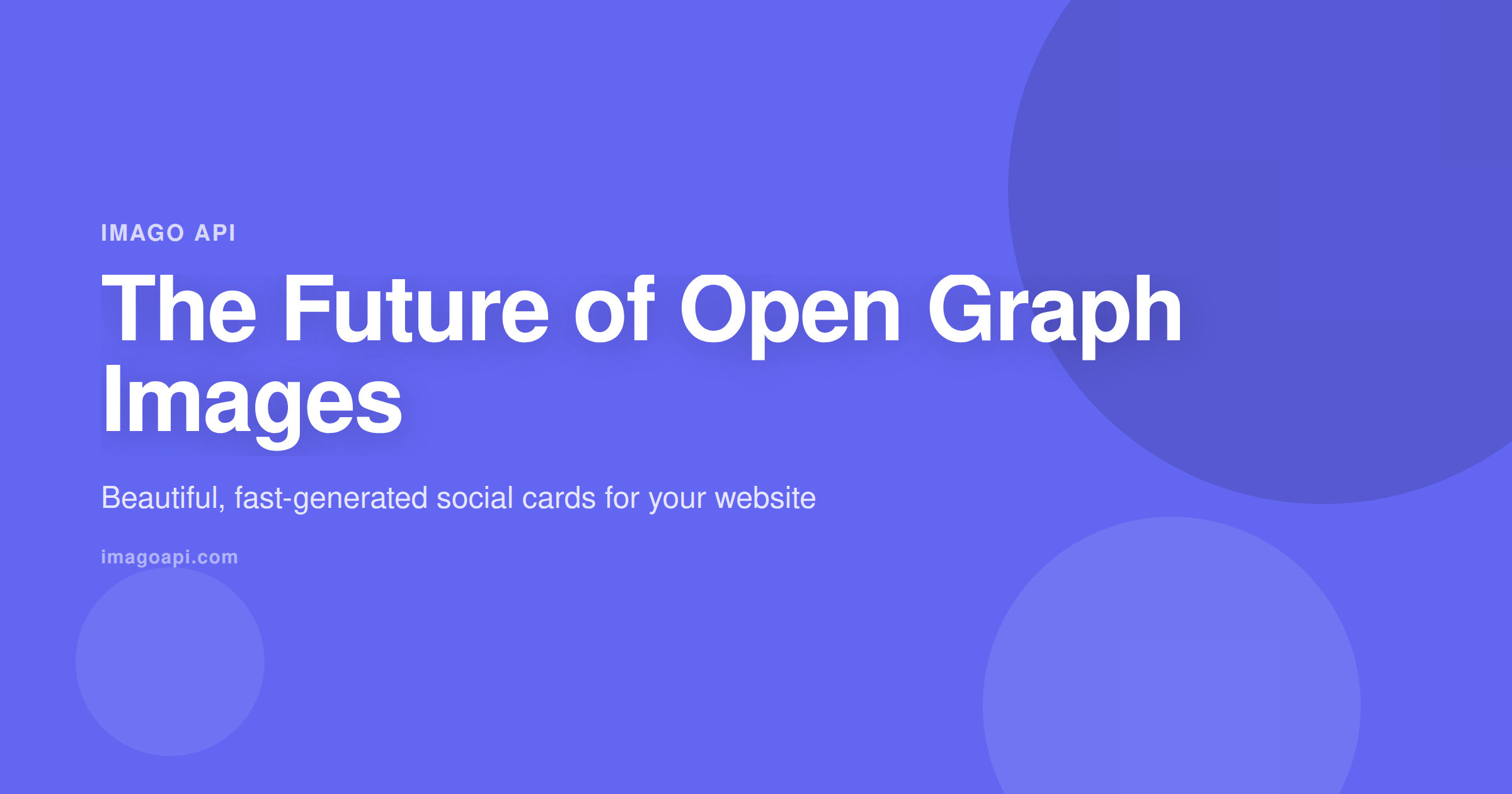
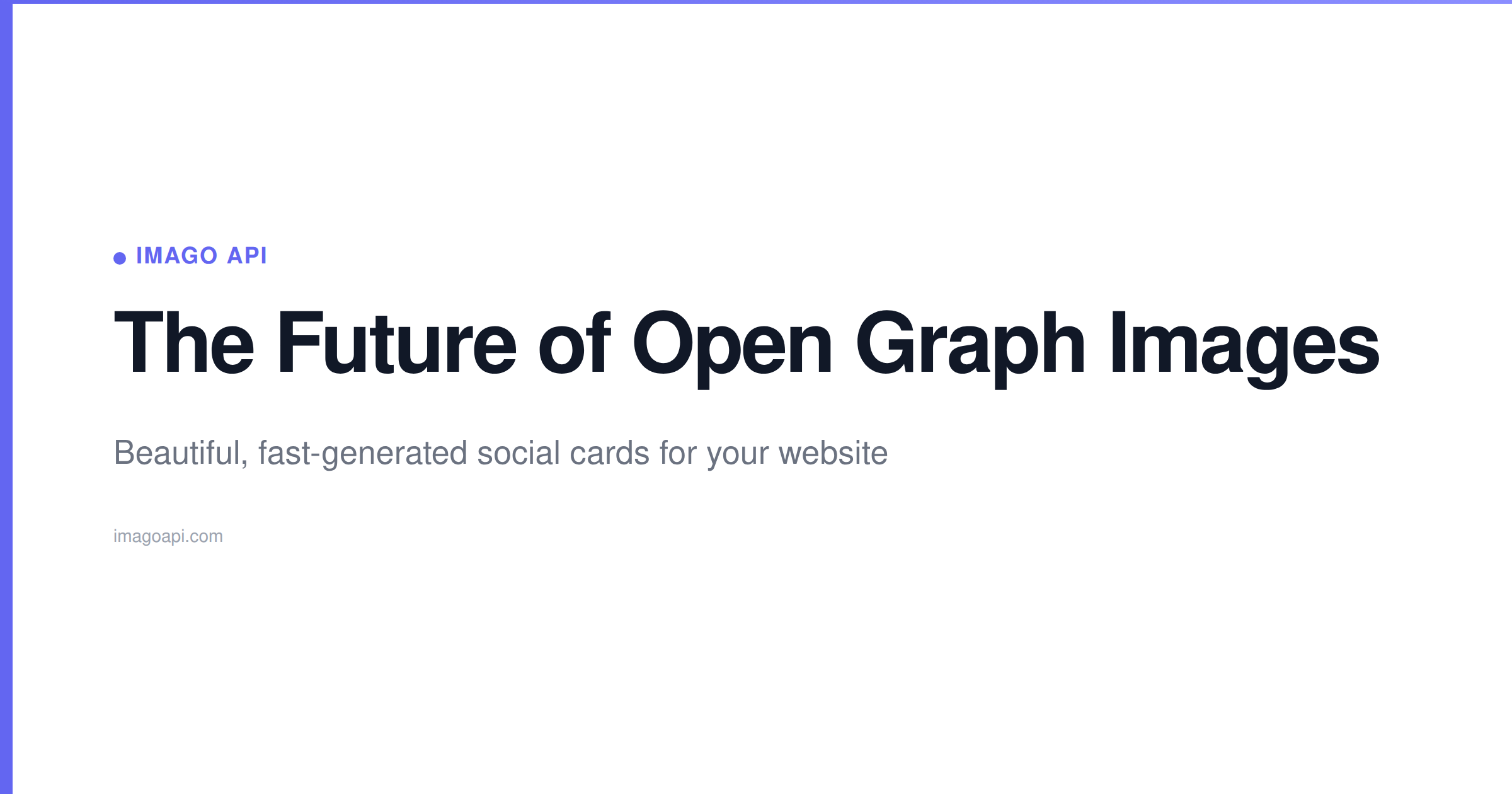
  "template":     "gradient",           // gradient | modern | bold | minimal | dark | vibrant | corporate | playful | developer | magazine
  "brand_color":  "#6366F1",            // optional: hex color
  "site_name":    "My Site"             // optional: shown in image footer
}
Response (200 OK)
{
  "success": true,
  "image": {
    "url":        "https://imagoapi.com/api/images/og_abc123.png",
    "filename":   "og_abc123.png",
    "format":     "png",
    "dimensions": { "width": 1200, "height": 630 },
    "mimeType":   "image/png"
  },
  "metadata": {
    "title":       "My Page Title",
    "description": "A short description",
    "template":    "gradient"
  },
  "usage": {
    "current": 5,
    "limit":   50
  },
  "generatedAt": "2026-03-07T12:00:00.000Z"
}
Error Responses
| Status | Error | Cause |
|---|---|---|
| 400 | API key and title required | Missing required fields |
| 401 | Invalid API key | Key not found in database |
| 429 | Monthly quota exceeded | You've hit your plan limit |
| 500 | Image generation failed | Server-side rendering error |
🎨 Templates Gallery
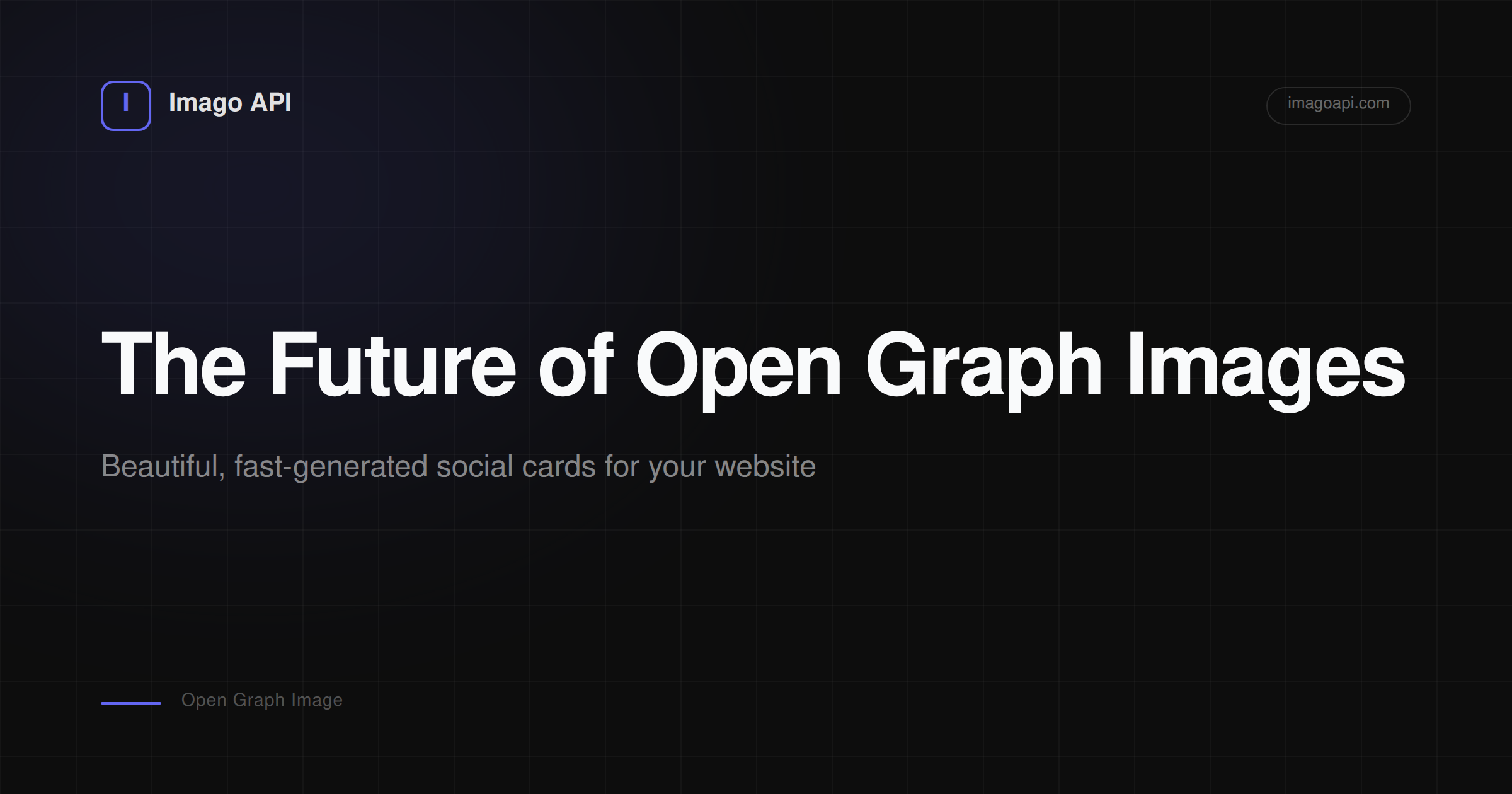
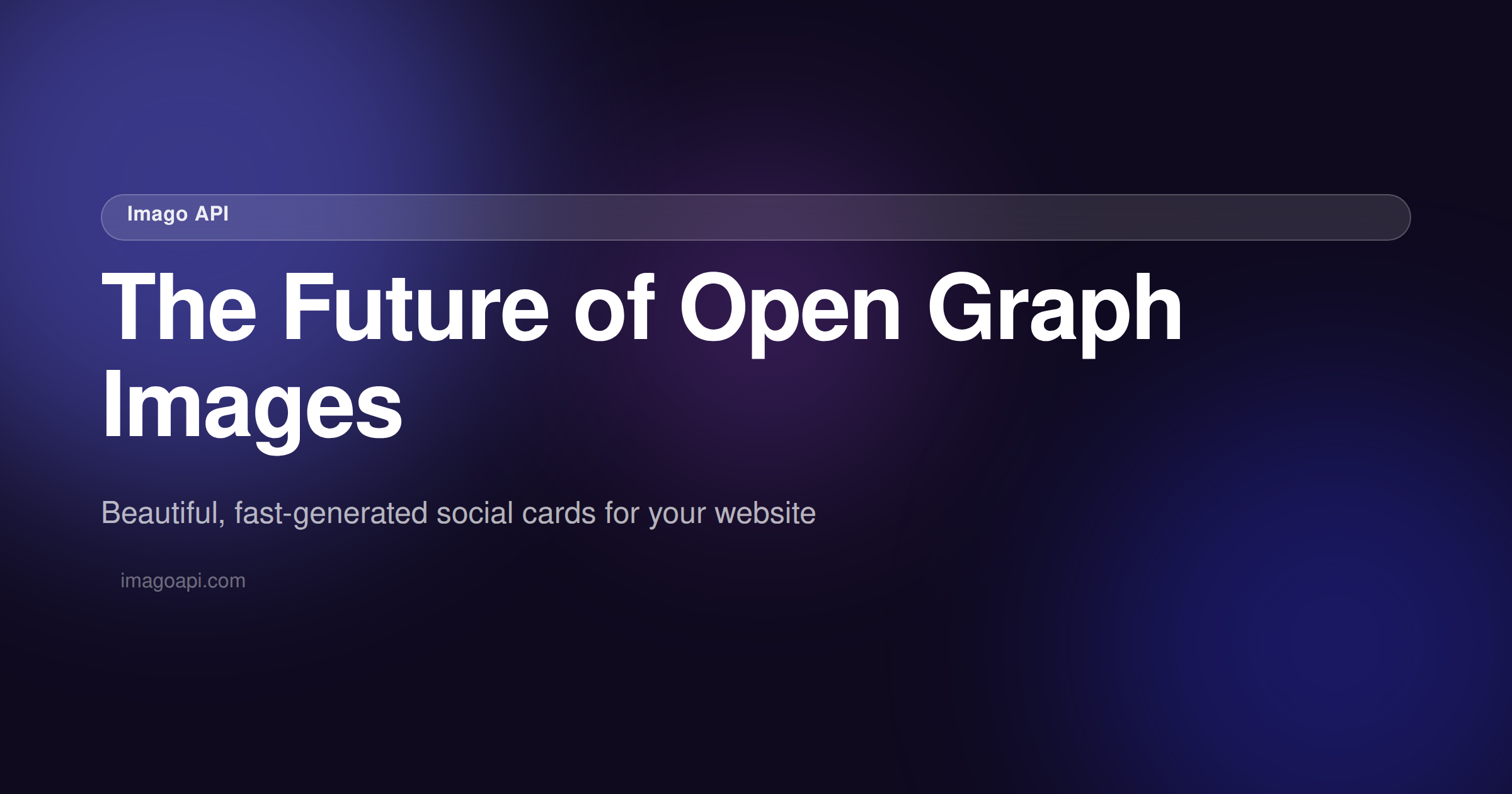
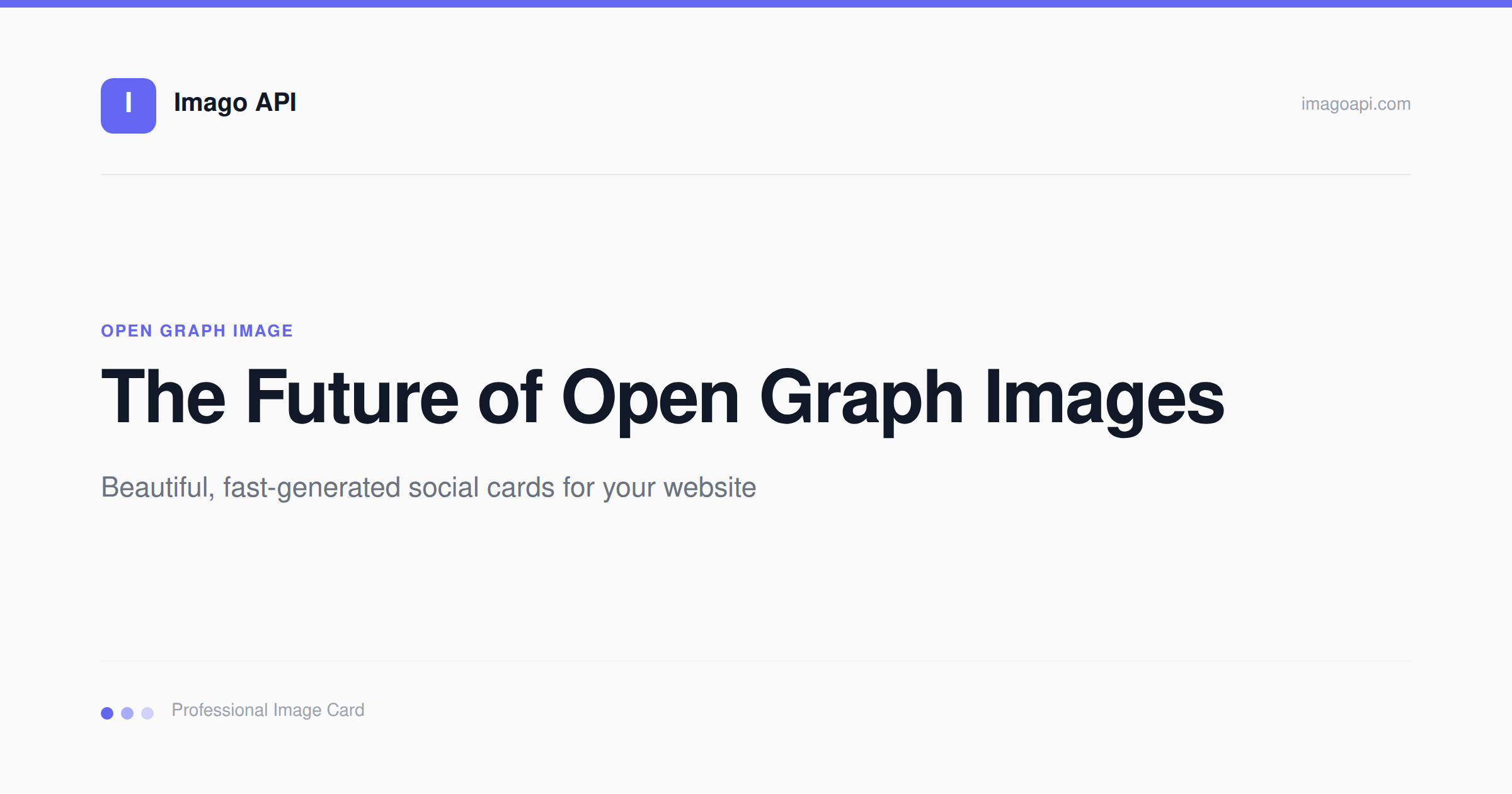
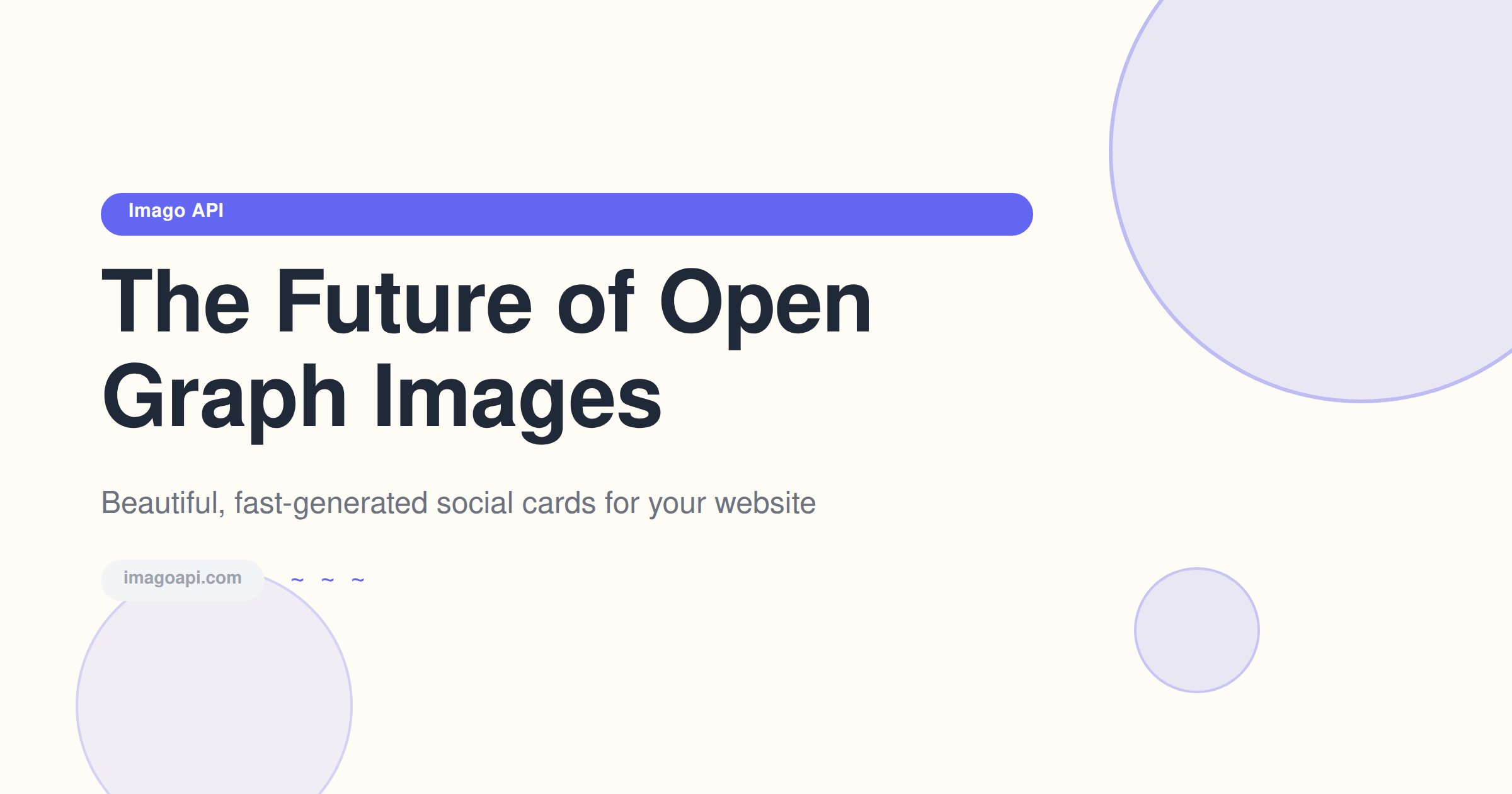
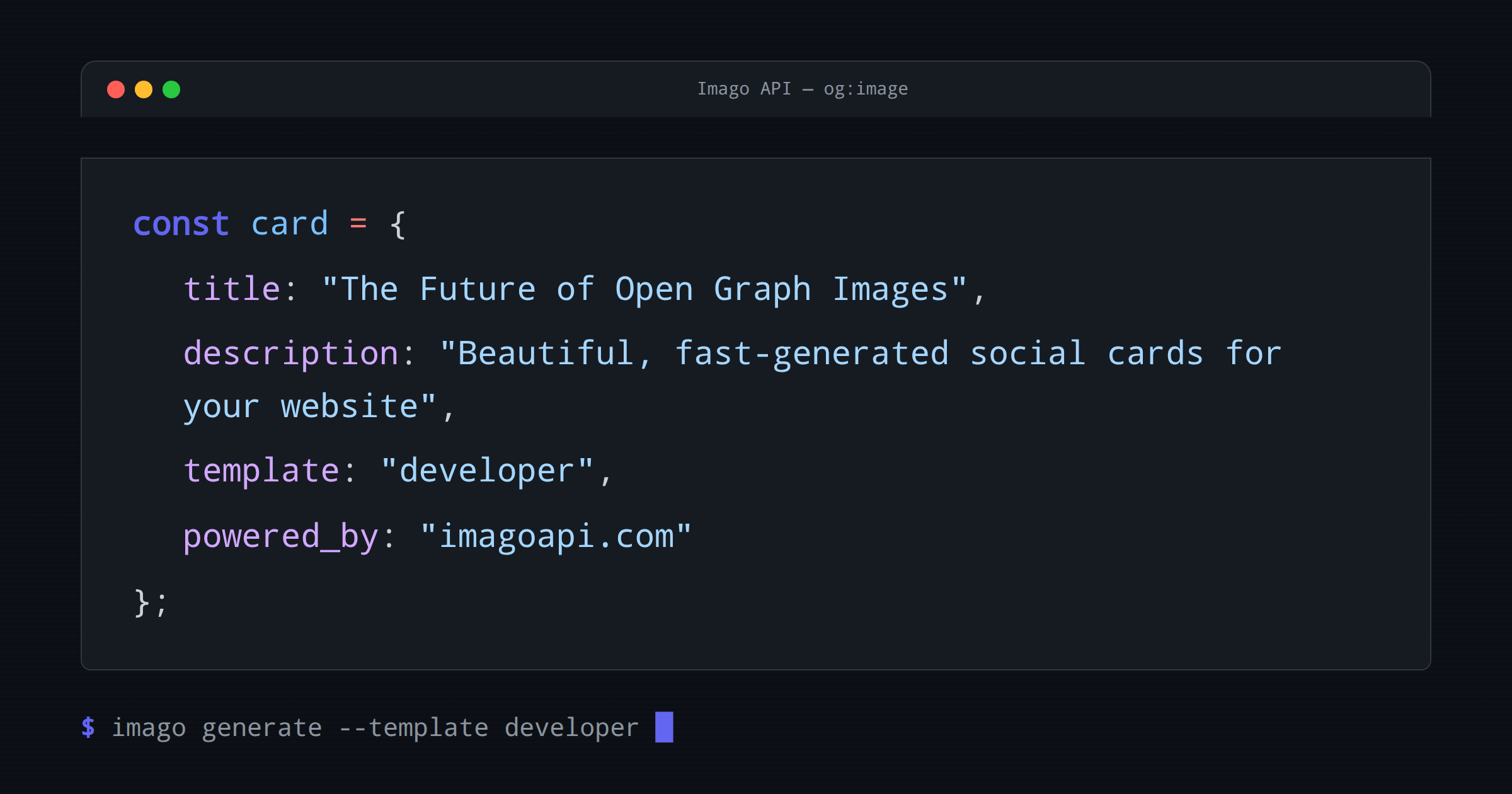
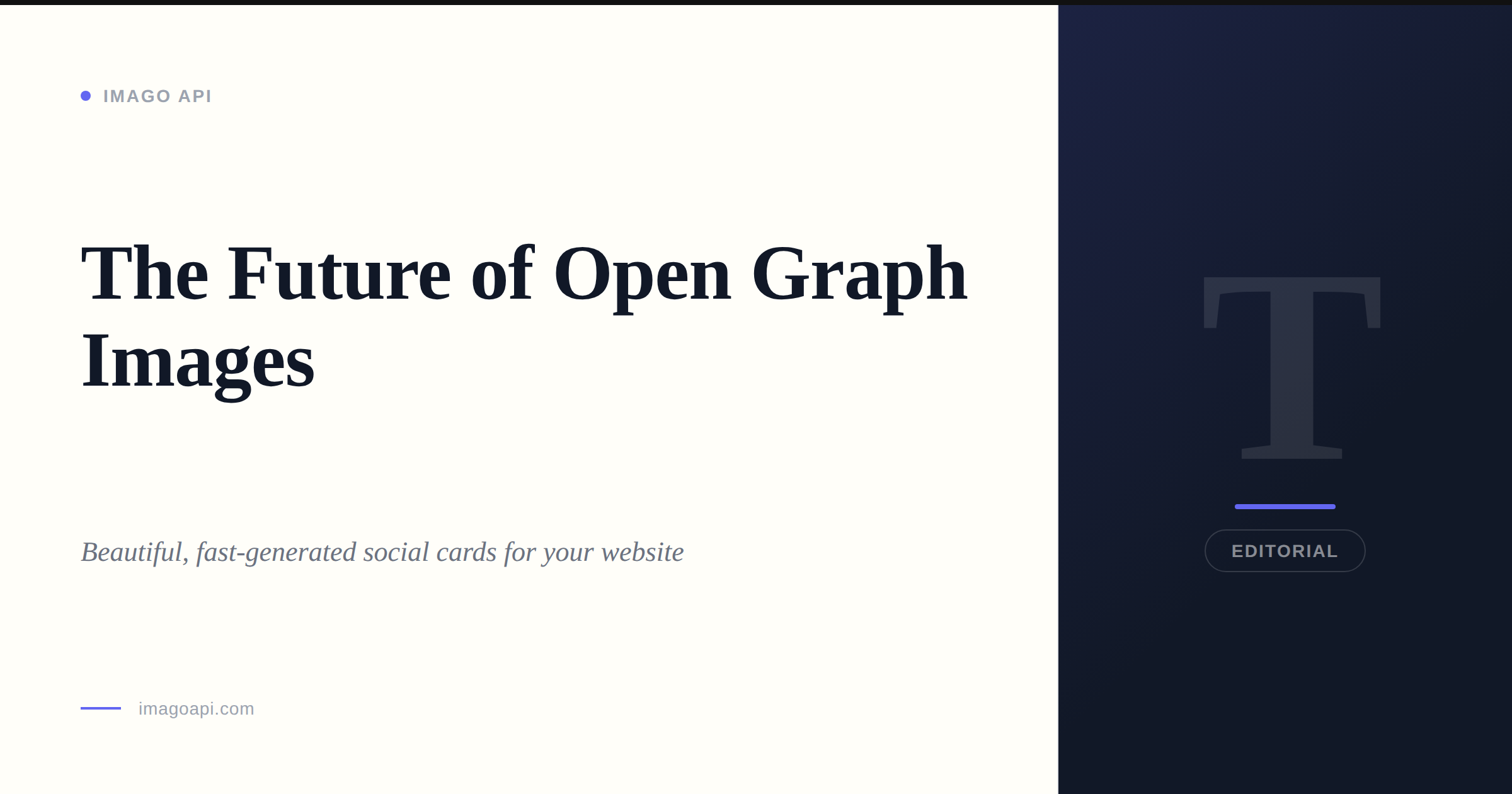
Choose from 10 premium templates — each with beautiful typography, proper spacing, and professional design. Pass the template name as "template" in your request.
Quick example
// Using the "dark" template with a custom brand color
{
  "api_key":     "your_key",
  "title":       "My Awesome Page",
  "description": "A great description",
  "template":    "dark",
  "brand_color": "#10b981",
  "site_name":   "My Site"
}
📋 Parameters
| Parameter | Type | Required | Description |
|---|---|---|---|
| api_key | string | Required | Your Imago API key. Get it from the dashboard. |
| title | string | Required | The main heading for your image. Keep under 70 characters for best results. |
| description | string | Optional | Subtitle or summary text. Max 150 characters recommended. |
| template | string | Optional | gradient (default), modern, bold, minimal, dark, vibrant, corporate, playful, developer, or magazine. See Templates Gallery → |
| brand_color | string | Optional | Hex color code for accents and gradients. Default: #6366F1. |
| site_name | string | Optional | Your brand/site name shown in the image footer. Default: Imago API. |
📦 Response Format
All successful responses are JSON with Content-Type: application/json.
Image object
| Field | Type | Description |
|---|---|---|
| url | string | Full URL to the generated PNG image |
| filename | string | Filename (e.g. og_abc123.png) |
| format | string | Always png |
| dimensions | object | { width: 1200, height: 630 } |
| mimeType | string | Always image/png |
Usage object
| Field | Type | Description |
|---|---|---|
| current | number | Images generated this billing month |
| limit | number | Your plan's monthly quota |
📊 Rate Limits & Quotas
Each plan has a monthly image quota that resets on the 1st of each month.
| Plan | Monthly Quota | Price | Best For |
|---|---|---|---|
| Free | 50 images | $0 | Side projects, testing |
| Starter | 500 images | $9/mo | Small sites, blogs |
| Pro | 5,000 images | $29/mo | Growing products |
| Business | Unlimited | $99/mo | High-traffic, agencies |
429 Too Many Requests. Upgrade your plan to continue generating.
Request rate limits
In addition to monthly quotas, we apply per-minute rate limits to prevent abuse:
- Free: 10 requests/minute
- Starter: 30 requests/minute
- Pro: 100 requests/minute
- Business: 500 requests/minute
💻 Code Examples
cURL
curl -X POST https://imagoapi.com/api/og/generate \
  -H "Content-Type: application/json" \
  -d '{
    "api_key": "imago_your_key",
    "title": "My Product Launch",
    "description": "Shipped it! Version 2.0 is live.",
    "template": "bold",
    "brand_color": "#6366F1",
    "site_name": "MyApp"
  }'
JavaScript (fetch)
const res = await fetch('https://imagoapi.com/api/og/generate', {
  method: 'POST',
  headers: { 'Content-Type': 'application/json' },
  body: JSON.stringify({
    api_key:     'imago_your_key',
    title:       'My Page Title',
    description: 'A description for the image',
    template:    'gradient',
    brand_color: '#6366F1',
    site_name:   'MyApp'
  })
});

const data = await res.json();
console.log(data.image.url); // https://imagoapi.com/api/images/og_abc123.png
Node.js (axios)
const axios = require('axios');

const { data } = await axios.post('https://imagoapi.com/api/og/generate', {
  api_key:     'imago_your_key',
  title:       'My Page Title',
  description: 'A description for the image',
  template:    'gradient'
});

console.log(data.image.url);
Python (requests)
import requests

response = requests.post(
    'https://imagoapi.com/api/og/generate',
    json={
        'api_key':     'imago_your_key',
        'title':       'My Page Title',
        'description': 'A description for the image',
        'template':    'gradient',
    }
)

data = response.json()
print(data['image']['url'])
Next.js (API route)
// pages/api/og.js (or app/api/og/route.js)
export default async function handler(req, res) {
  const { title, description } = req.query;

  const response = await fetch('https://imagoapi.com/api/og/generate', {
    method: 'POST',
    headers: { 'Content-Type': 'application/json' },
    body: JSON.stringify({
      api_key: process.env.IMAGO_API_KEY,
      title,
      description,
    })
  });

  const data = await response.json();
  res.redirect(data.image.url);
}
🪝 Webhooks
Imago API uses Lemon Squeezy for billing. When subscription events occur, Lemon Squeezy sends webhook events to our server, which automatically updates your account.
Supported Events
| Event | Description |
|---|---|
| subscription_created | New subscription — account upgraded, welcome email sent |
| subscription_updated | Plan change — quota updated automatically |
| subscription_cancelled | Cancellation — account downgraded to Free at period end |
| subscription_expired | Expired subscription — access reverted to Free tier |
Webhook Endpoint
This endpoint is managed by Imago API infrastructure. You don't need to configure it.